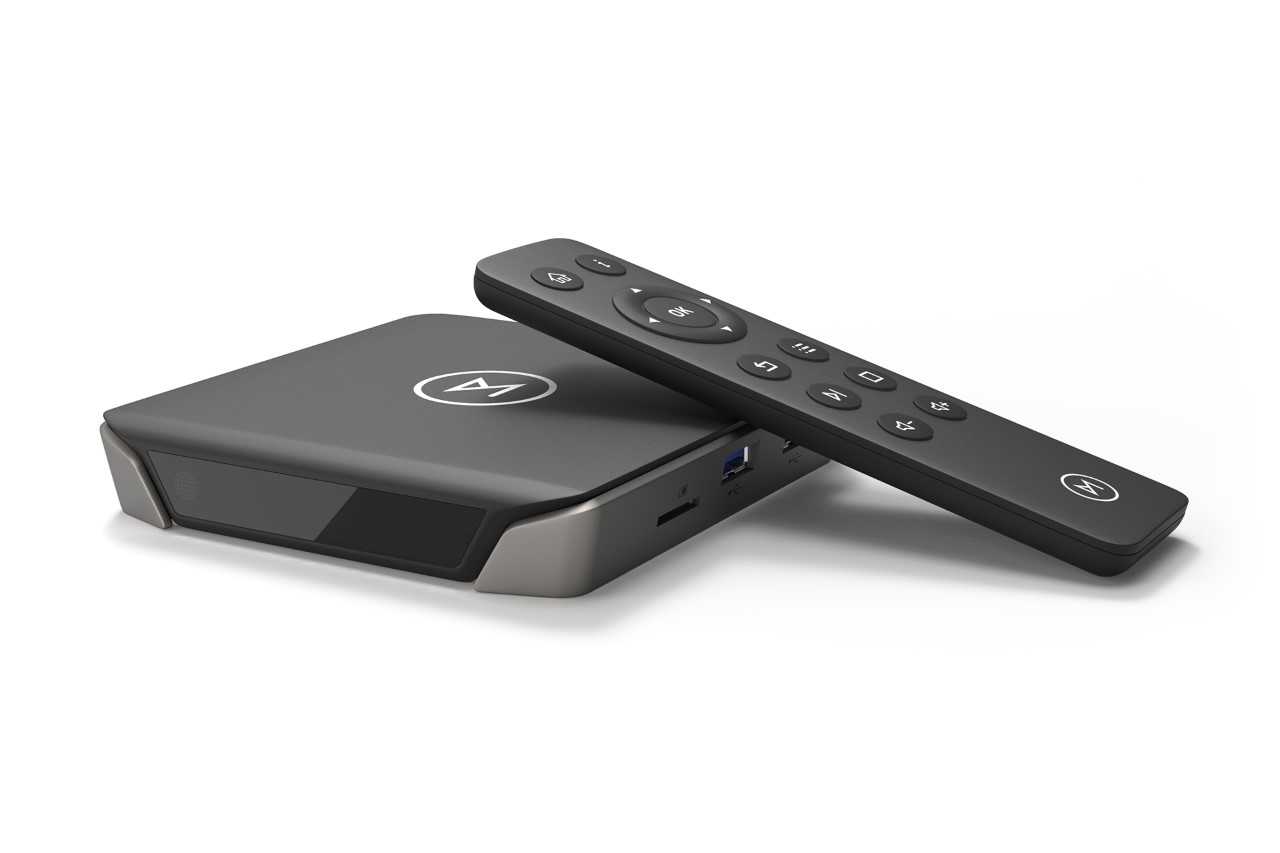
Raspbmc Release Candidate!
Hello everyone,
Raspbmc’s initial beta was quite successful for a first attempt, but now some more things have been fixed to provide you with a more stable, more refined and more reliable system. I’d like to thank the many people that tested the beta, including everyone who mentioned bugs and issues. I’d also like to thank in particular the following people for their efforts:
- s7mx1 for helping implement LIRC and setting up a new way that XBMC starts.
- Liam Reynolds for testing
- Russell for finishing the Python installer for Linux and OSX. While you don’t see the results of that yet, you will in the release.
- Snakkles for improvements to the Raspbmc update system (pending).
- Mad-Halfling for helping people out with iPlayer and working on adding some wiki pages (available soon)
Very impressed with the community effort here!
This version addresses the following:
- CPU usage is much lower when idling
- fixes some stability issues with a new kernel
- SD card timeout issues are gone for good!
- reduces the swap partition to a reasonable 128M
- fixes an AirPlay bug (though AirTunes issues remain just for now)
- remote support via LIRC is now working
- the root filesystem is made a lot smaller.
- CPU overclocking tweak
- XBMC now runs as the user pi
- XBMC restarts if it crashes
- Kernel headers now available for building kernel modules for wireless support etc.
- SD cards can be swapped between Pis now without udev issues.
- You are asked to set timezone and keyboard layout on the first login via SSH
- Fixed bluish tint to fanart
- AudioEngine builds are here
- Menu sounds are here
This is what will be coming soon:
- stability improvements
- An add-on to configure Raspbmc from within XBMC
Enjoy.
To get the new beta, you’ll need to reimage your SD card with the installer, available here
Please create issues / feature requests on the tracker here, and if you feel something is missing on the Wiki, feel free to make a contribution.
Also be sure to read the FAQ and Wiki before you post, I am a sole developer doing A-levels at the moment so my time is limited. I will not answer repeat questions on the forums. And just to clarify, you do need an Internet connection, wired and all, to setup Raspbmc! Also, do not use the installers, they install the release image, which obviously isn’t finalised yet, and then everyone wonders why nothing’s happening!
We are almost there.
Sam